See which rooms are free. From the door.
A live door sign on a tablet at every meeting room: free, busy or ending soon, and a booking in one tap.
Microsoft 365 · tablets you already own · no card to start
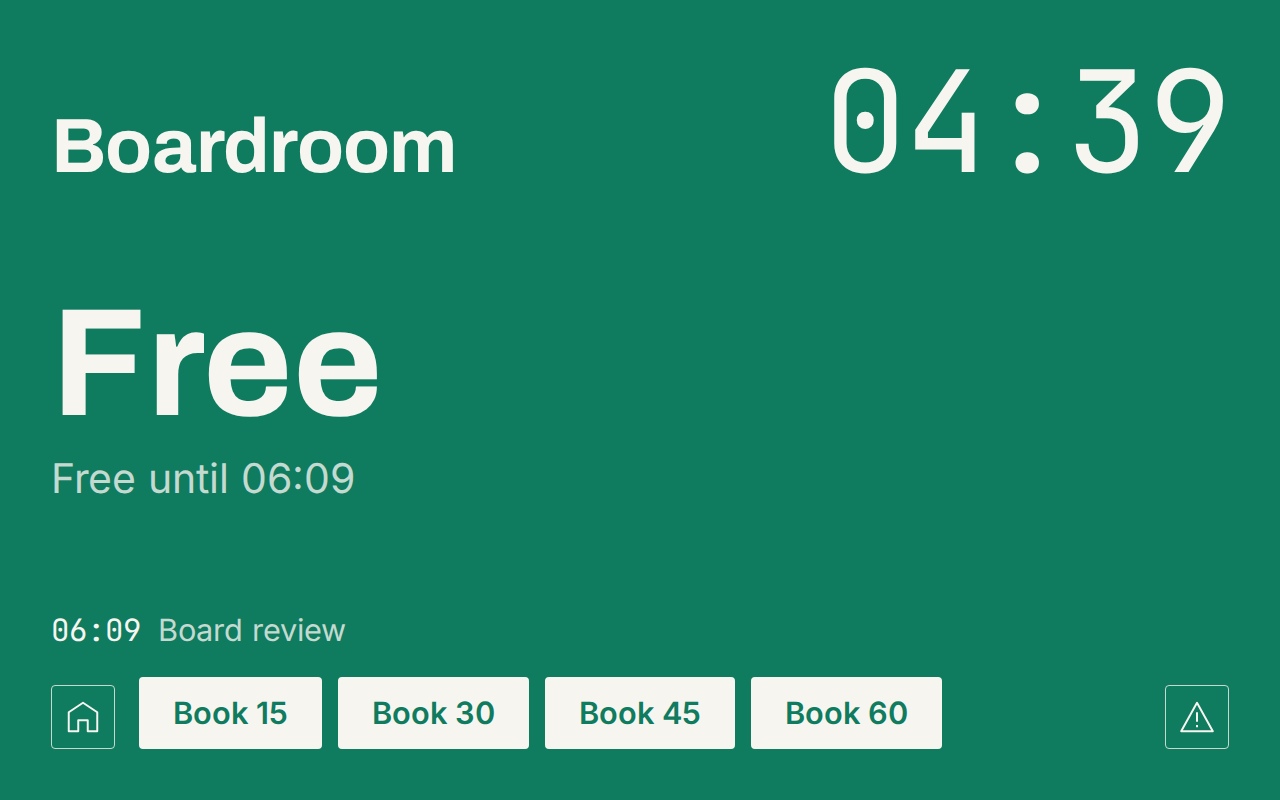
Sign · 1 of 13 layouts included
Syncs with
Microsoft 365
Room mailboxes only. Admin consent, no add-ins.
Everything the door needs
One-tap booking
Take a free room for 15, 30, 45 or 60 minutes from the door.
Check-in and auto-release
No-shows free the room after a grace period you set.
Find a room nearby
A busy door lists the free rooms closest to it.
Status board for hallway TVs
Every room on one screen, so people look before they walk.
Visitor kiosk
Guests sign in at reception; the host gets an email.
Desk booking
Day and half-day desk bookings, shown on the board.
Up in an afternoon
- 01
Connect Microsoft 365
Admin consent for your room mailboxes. About 10 minutes.
- 02
Create your displays
Name the rooms and pick a style for each door.
- 03
Mount the tablets
Open the display app, enter the pairing code, done.
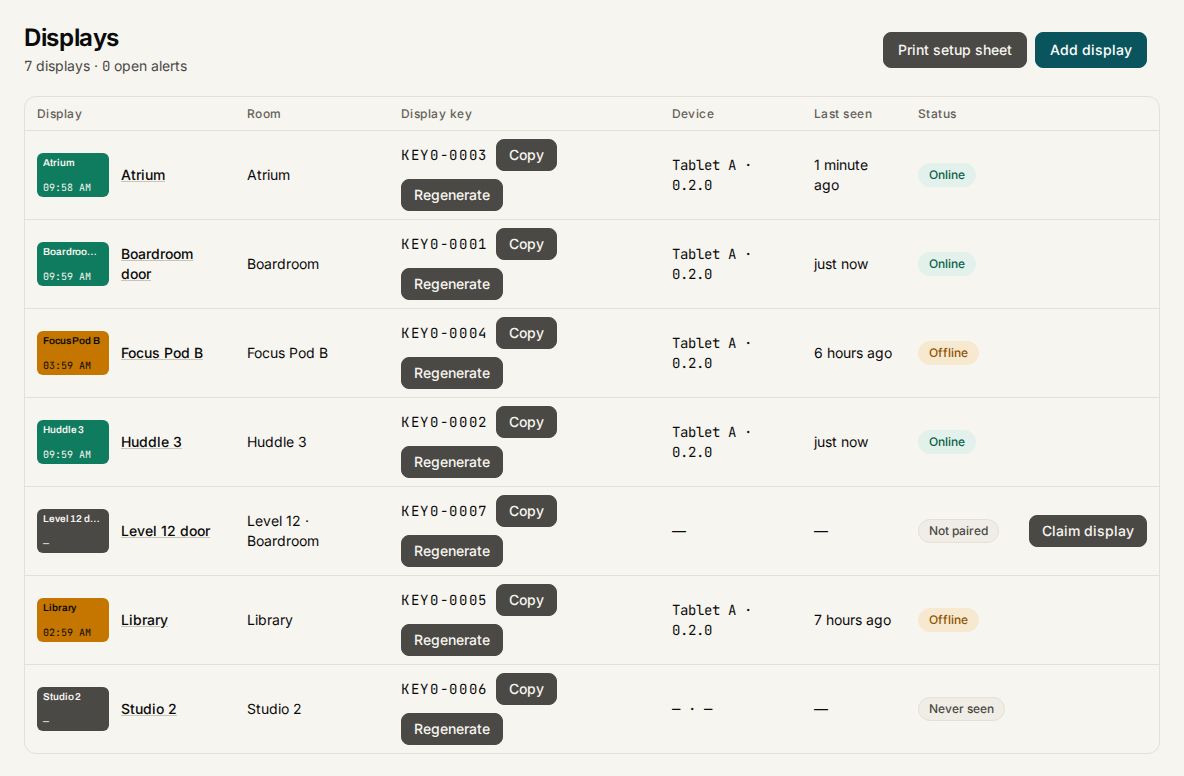
Run every door from your desk
- See every screen's status and last heartbeat in one list.
- Push a new style or setting; the tablet picks it up at once.
- Get an email when a display goes offline. No site visit.
Your brand on the door
- Your logo in the corner of every sign.
- A background photo or your own colour.
- Your accent colour for Free. Text and buttons always stay readable.
13 layouts included.
Privacy
Bookings are read from Microsoft 365 and cached, so the display keeps working if the connection drops. The cache is kept per organisation and deleted when a room is removed. No calendar content is sold or shared. Read the privacy page.
One price per room
USD 9 per room per month
or USD 99 a year
Every feature included, no per-user fees. Status board included free.
See pricingDeploying many sites? Contact us
Put a sign on the first door today
No card to start. Your rooms and settings stay if you cancel.
Start free